
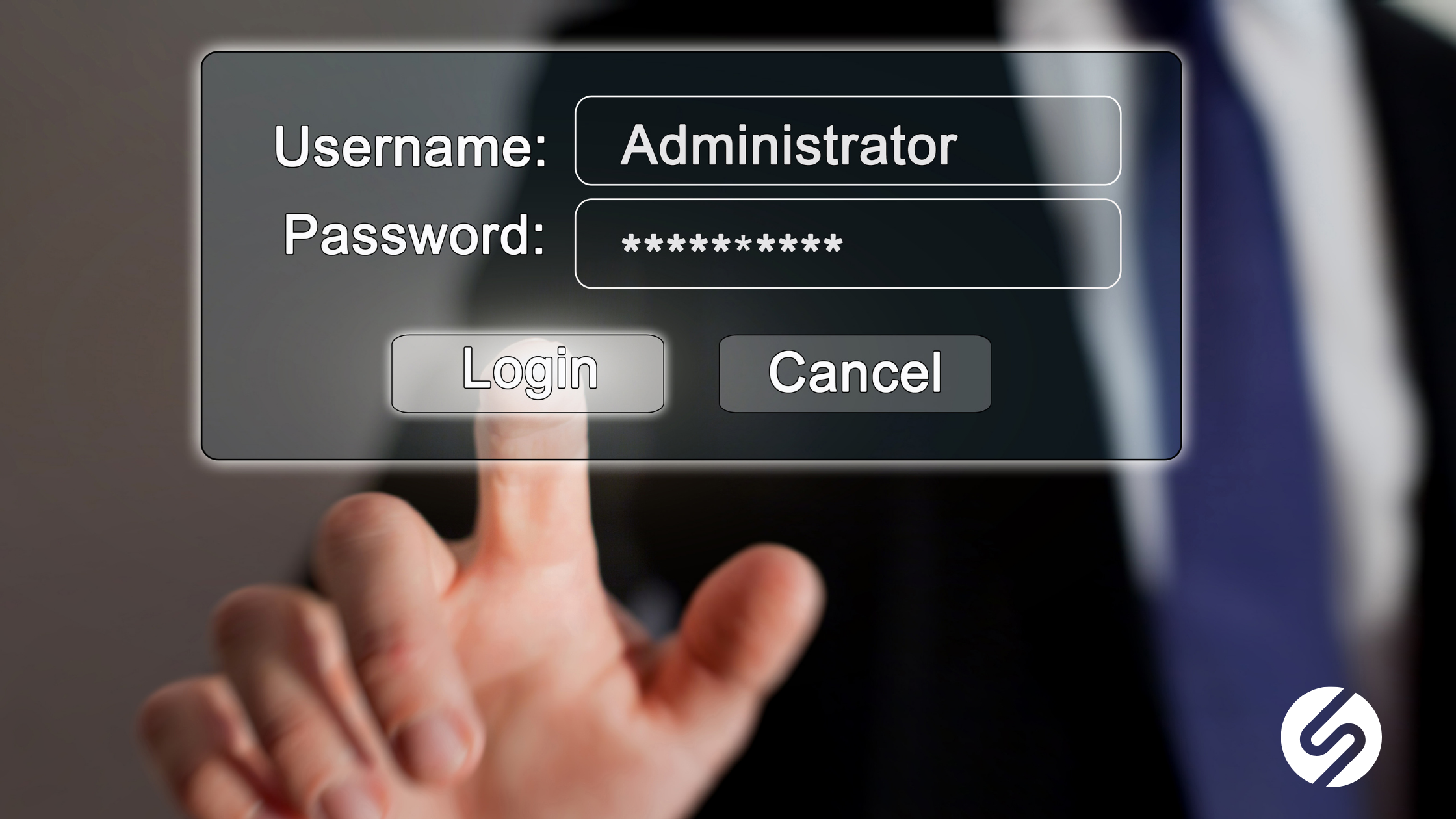
If you’re like most business owners, you probably don’t spend a lot of time thinking about password management until something goes wrong. However, strong password management is one of the simplest and most powerful ways to protect your business, and yet, it’s also one of the most overlooked.
Let’s talk about why password management matters, what can go wrong, and how you can fix it.
Why Password Misuse Is Still a Big Problem
Even though we’ve been talking about cybersecurity for years, password misuse is still everywhere. In fact, many people reuse the same password across multiple accounts because it’s easier.
People don’t want to remember 20 different passwords. So instead, they use one password, or a slight variation of it, for everything. For example, they might take an old password and just add “!” or “123” to the end. At first glance, that feels like a small change. However, hackers know this trick. So, they try those simple variations first.
The Real Consequences of Poor Password Management
Weak password management doesn’t just affect one account; it can impact your entire business. For example, if a hacker gets access to your email, they can often access other systems too. Many platforms are connected, so one login can open the door to file storage, client data, and financial information. Here’s what that can lead to:
1. Financial Loss
Hackers can steal sensitive data or even redirect payments. This can cost your business thousands of dollars, or more.
2. Downtime and Disruption
If systems get locked or data is deleted, your team may not be able to work. That means lost productivity and missed deadlines.
3. Reputation Damage
This one surprises a lot of business owners. If your email gets compromised, hackers can send spam or phishing emails to your contacts. Over time, your domain can get blacklisted. When that happens, your emails may not even reach clients, and you might not know why.
4. Compliance and Legal Risk
Many regulations require businesses to protect sensitive data. If you don’t, you could face fines or legal issues.
In short, poor password management can affect your revenue, your operations, and your reputation.
Why Small Businesses Are Especially At Risk
I often hear, “We’re too small to be a target.” Unfortunately, that’s not true. Small and mid-sized businesses are often easier targets because they don’t have strong security in place. Hackers know this. So, they look for businesses with weak passwords and no extra protection.
Best Practices for Strong Password Management
The good news is that improving your password management doesn’t have to be complicated. In fact, a few simple changes can make a big difference.
1. Use Long Passphrases Instead of Short Passwords
First, focus on length. Longer passwords are much harder to crack than short ones. Instead of using something like “Denver123,” try a passphrase like:
“CoffeeRedRocksSunset44!” Passphrases are easier to remember and more secure because they are longer and more unique.
2. Avoid Personal Information
3. Never Reuse Passwords
4. Use a Password Manager
5. Turn On Multi-Factor Authentication (MFA)
6. Don't Share Passwords
7. Don't Store Passwords in Unsafe Places
Steps to Help You Create a Strong Passphrase
1. The Story Method (Mini-scene in your head)
Create a short, weird, or funny mental story and use elements of it in your passphrase. Example: “My cat skydived with a pizza in 2022!”
- CaySkydivePizza2022!
Why it works: It’s bizarre enough to remember but hard to guess.
2. Favorite Things Combo
Combine three unrelated but personal favorite things, plus a number or symbol.
- Tacos!JazzSunset44 or CoffeeRedRocks!19
Why it works: Familiar, memorable, and long enough to be secure.
3. Keyboard Pattern Anchoring
Use a keyboard-based anchor that you always type the same way, followed by a phrase.
- Qwe!Love2BikeInCO
Why it works: Muscle memory helps you remember, and it still has enough uniqueness.
4. Date + Phrase Hybrid
Use a meaningful date or year and connect it with a custom phrase.
- 1998BestTripToItaly! Or May2023_NewDog@Home
Why it works: Personal to you and includes natural complexity.
Making Password Management Work for Your Business
Here’s the truth: people don’t ignore password management because they don’t care. They ignore it because it feels like a hassle. So, the key is to make it easy. That means:
- Using tools like password managers
- Training your team on best practices
- Setting up systems that support security without slowing people down
Just Start With Stronger Passwords
Ready to take control of your password management and protect your business from unnecessary risk? Our team at Onset Solutions can help you set up secure, easy-to-use systems that keep your data safe without slowing your team down. Contact us today to schedule a quick consultation and see how simple stronger security can be.
Hilary Taylor