
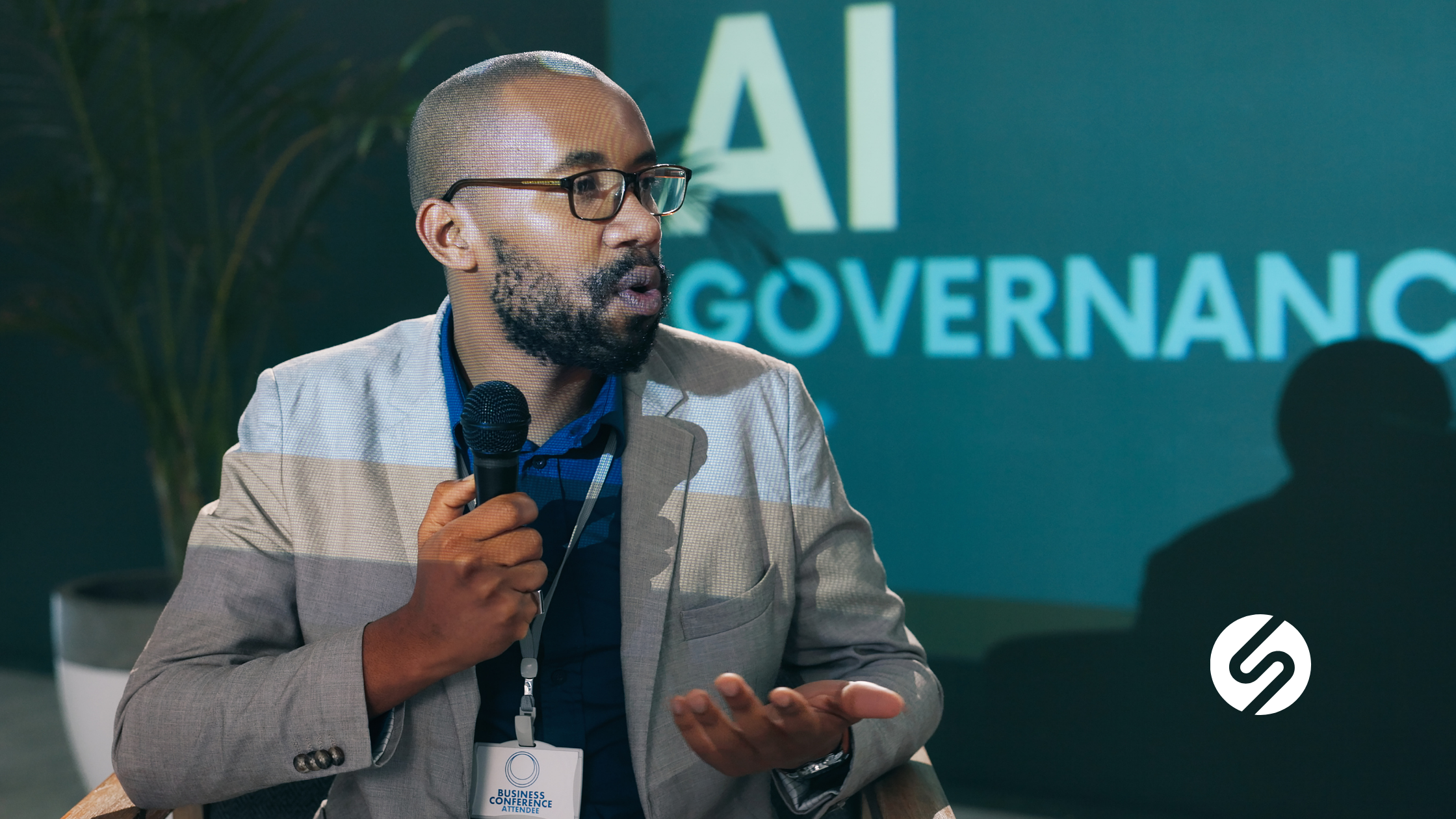
Artificial intelligence can absolutely be used in business while minimizing the risk to company data. The key is to establish an AI governance framework as early as possible, ideally before AI use becomes widespread across the organization. AI itself isn’t the biggest risk. The real risk is allowing employees to use AI without clear rules, proper security, or the right technical foundation. With the right governance framework, small and mid-sized businesses can improve productivity while keeping sensitive company and client data protected.
Across Denver, business owners are looking for ways to embrace AI safely. At Onset Solutions, we’ve found that successful AI adoption starts with governance, not software.
The governance principles in this article apply regardless of which AI platform you use. Because many of the businesses we support operate in Microsoft 365, I’ll be using Microsoft Copilot as a practical example of how AI governance intersects with file permissions, identity, and security.
What Is an AI Governance Framework?
- Which AI tools employees can use
- What company data can and cannot be entered into AI
- Who has access to AI-powered systems
- How AI aligns with your cybersecurity practices
- How employees are trained to use AI responsibly
Many business owners hear the term “governance framework” and immediately think it’s complicated. I would instead think of it as the rules around how and when your company uses AI. When you describe it that way, governance becomes much less intimidating. It becomes another business process, just like password policies, expense approvals, or acceptable internet use.
Without those expectations, employees naturally assume they have permission to use whatever AI tool they want. That often leads to shadow AI, where employees begin using personal ChatGPT, Claude, Gemini, or other AI tools without IT or management even knowing.
How Denver SMBs Are Already Using AI
One thing that surprises many business owners is that their employees are probably already using AI. When I talk with our clients across Denver, these are the most common uses I hear:
- Research and problem-solving: Employees use AI as a research and problem-solving assistant, asking questions such as how to fix an Excel formula or how to approach a specific issue.
- Text review: Another common use is a second set of eyes to review documents for grammar and clarity, or to help draft emails and other routine communications.
- Calendar management: With the appropriate integrations and permissions, AI can compare calendars, identify meeting openings, and help schedule appointments.
- Connecting software: Businesses are increasingly combining AI with automation tools to connect applications and streamline repetitive workflows between systems.
Other practical business uses include:
- Summarizing meetings
- Writing standard operating procedures (SOPs)
- Organizing spreadsheets
- Searching thousands of documents
- Finding information inside Microsoft 365 faster
The Biggest Misconceptions About AI Governance
One misconception I hear often is that AI governance means writing a policy. Having an AI policy is important, but it isn’t enough. A true AI governance framework combines:
- Policies
- Technical controls
- Data access and permissions
- Identity management
- Employee education
- Ongoing monitoring
We’ve seen organizations where employees begin signing up for whatever AI platform they find online and start uploading company information because no one ever told them otherwise.
A simple acceptable use policy immediately creates clarity and removes any misconceptions. For example, if your company limits AI use to Microsoft Copilot, the policy might state that company data should only be entered into the approved Copilot environment. That single expectation dramatically reduces unnecessary risk.
Why Cybersecurity and AI Go Hand-in-Hand
One of the biggest mistakes companies make is separating AI from cybersecurity because they are connected. AI tools that are connected to your business systems often rely on the data and access permissions already in place. With Microsoft 365 Copilot specifically, the user’s existing Microsoft 365 permissions help determine which organizational data Copilot can access. A well-organized Microsoft environment gives Copilot a stronger foundation. Poor permissions, oversharing, and disorganized information can become much more visible once employees begin using AI to search and summarize organizational data.
I often describe it using the phrase: garbage in, garbage out. If your files are disorganized, permissions are sloppy, or sensitive information is stored in the wrong location, AI doesn’t know the difference. It simply searches whatever users have permission to access.
What Employees Should Never Enter into Public AI Tools
Employees should not enter confidential business or client information into unapproved AI tools or personal AI accounts. This includes:
- Client information
- Financial records
- Healthcare data
- HR files
- Proprietary business processes
- Internal legal documents
- Passwords or API keys
- Personally identifiable information (PII)
Most employees would never intentionally leak data. They simply don’t recognize sensitive information when they’re moving quickly. Employee training can help prevent data leaks through AI platforms.
Microsoft 365 Permissions Matter More Than You Think
Many organizations are excited about Microsoft Copilot, but before turning it on, your Microsoft environment needs to be ready. Copilot doesn’t magically understand who should see what. It inherits the permissions employees already have.
If an employee already has inappropriate access to an HR folder, Copilot respects the existing permissions and may be able to surface information from that folder to the employee. That means poor Microsoft permissions become AI problems almost instantly.
Before deploying AI in a Microsoft environment, businesses should review:
- Data access and permissions
- SharePoint permissions
- Teams access
- OneDrive organization
- Security groups
- User identities
- Terminated employee accounts
- File structure
Think of your data like a house. If every room has the correct lock, AI only opens the doors that employees should access. If every door is unlocked, AI can search everywhere the employee can.
Building a Practical AI Governance Framework
An effective AI governance framework doesn’t need to be complicated. I recommend starting with these five steps.
1. Choose your approved AI platform(s) and use cases
Start by deciding:
- Which AI platform(s) will your business use?
- Does it meet your privacy requirements?
- Does it integrate with the productivity platforms your business uses?
- Does it support your business goals?
Your governance framework should reflect the tools you’ve chosen.
2. Create an AI acceptable use policy
- Approved AI platforms
- Prohibited AI tools
- Acceptable company data
- Restricted information
- Employee responsibilities
This becomes the foundation of your governance program.
3. Review data access and permissions
- File permissions
- Security groups
- Folder ownership
- SharePoint access
- Identity management
4. Train employees
- Approved AI tools
- Safe prompting
- Sensitive information awareness
- Shadow AI risks
- Practical AI use cases
Good training encourages innovation because employees know they have permission to use AI correctly.
5. Monitor and improve
AI evolves quickly. Your governance framework should, too. You should review policies regularly. Monitor new AI tools. Evaluate emerging business needs. Governance isn’t a one-time project. It’s an ongoing business process.
What to Look for in an AI Governance Consultant
- AI solution providers
- AI governance advisors
- Is Microsoft 365 configured securely?
- Are permissions correct?
- Is sensitive data protected?
- Are employees using approved AI tools?
- Is shadow AI being reduced?
- Is your business ready for Copilot?
Our goal isn’t to sell a specific AI application. Our job is making sure your environment is secure before you adopt one. I often explain it this way: We make sure all the doors are locked correctly and everyone has the right keys. Once that’s done, you can confidently decide which AI tools make the most sense for your business.
Your AI Journey Starts with Governance
Businesses across Denver are moving beyond asking, “Should we use AI?” They’re now asking: “How do we use AI safely?”
An AI governance framework allows your organization to gain the productivity benefits of AI while protecting your company, your employees, and your clients.
If you’re considering Microsoft Copilot or another AI platform, don’t start by turning on the technology. Start by making sure your business is ready for it.
Ready to Build an AI Governance Framework?
Onset Solutions helps Denver businesses prepare their Microsoft 365 environment, strengthen cybersecurity, clean up permissions, and create practical AI governance strategies that support secure adoption.
Contact Onset Solutions today to schedule a conversation and build an AI governance framework that lets your team embrace AI with confidence instead of uncertainty.
Hilary Taylor
Hilary Taylor is the CEO of Onset Solutions. She helps small and mid-sized businesses strengthen their IT strategy, improve cybersecurity, and streamline daily operations. With a practical, people-first approach, Hilary focuses on making complex technology simple, secure, and easy to use for growing organizations.